What Is a Dieline in Packaging and Printing?
A dieline sounds like jargon only designers use, but it’s simple once you see one. It’s the flat plan of your box, and getting it right is the difference between packaging that prints and folds perfectly and packaging that arrives with white edges or crooked panels.
What a dieline is, in plain terms
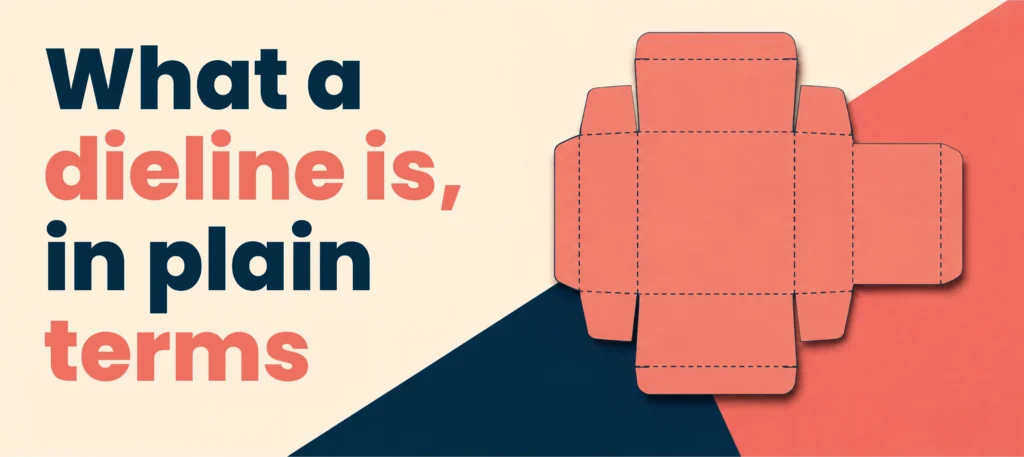
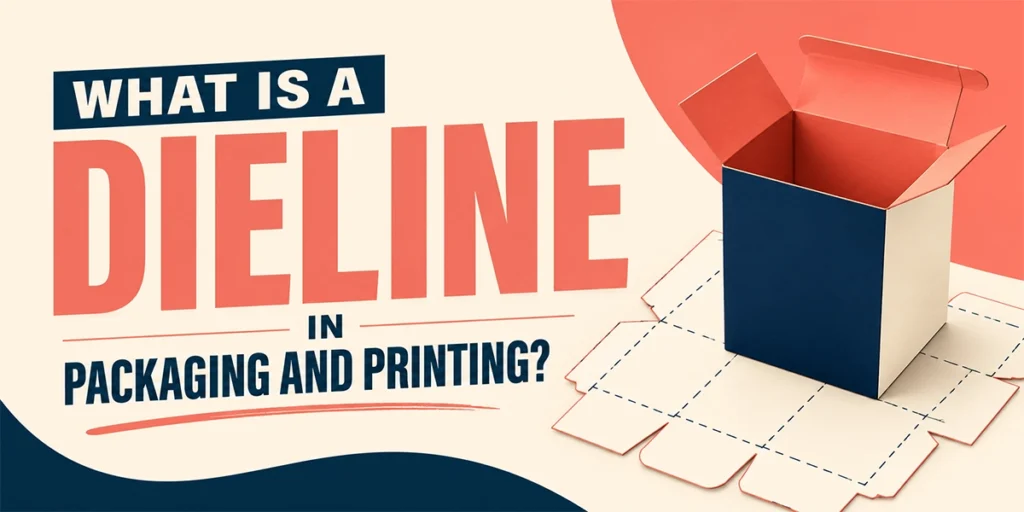
A dieline is a flat, 2D template that maps out every cut, fold and glue point of your packaging before it’s made. Think of it as the blueprint your artwork sits on. Lay a box flat, unfold every panel, and the outline you get is the dieline. It shows exactly where the material will be cut and creased, so your design lands in the right place on every side.
Why dielines matter
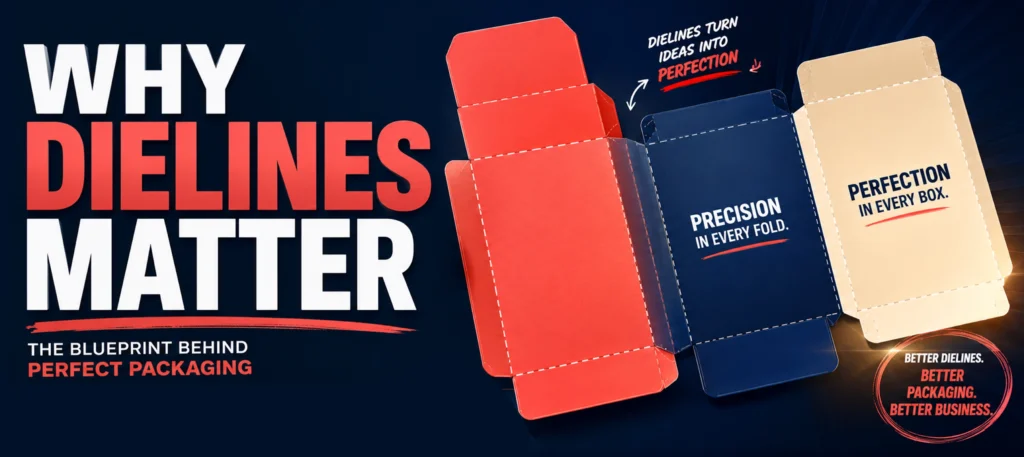
A good dieline lets you spot problems before they cost anything. You can check artwork alignment, catch text that strays too close to a fold, preview the box in 3D from the flat file, and hand the manufacturer a file their cutting equipment can follow exactly. Fewer errors, faster production, and no nasty surprises on the first run.
Dieline vs template: the difference
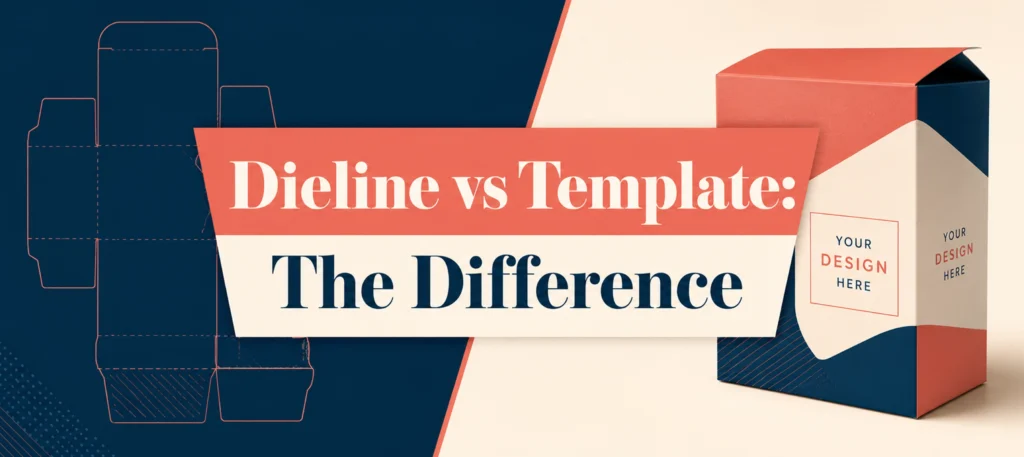
People mix these up. A template is usually a design mockup for visualising a layout. A dieline is a production-ready structural file that includes the actual cut, fold and glue lines a machine will follow. You design on a template idea, but you manufacture from a dieline.
How to read a dieline
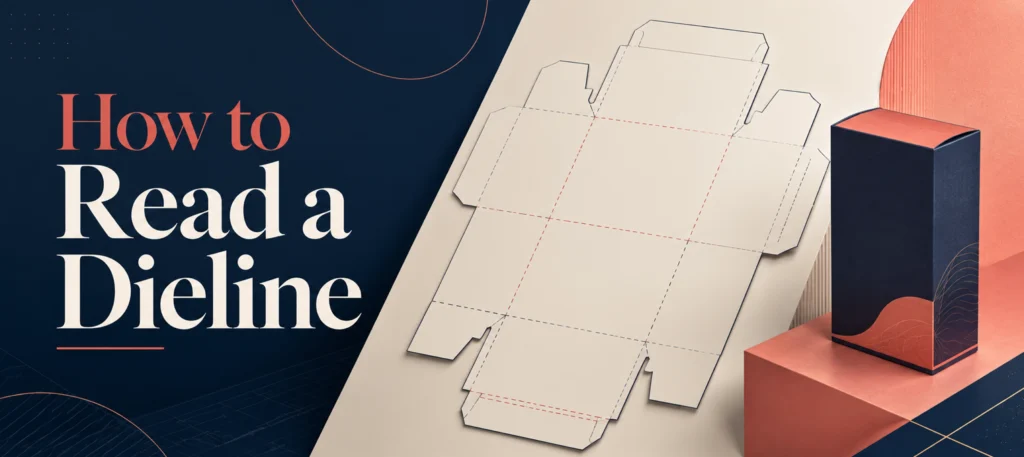
Different printers and software use slightly different colours, so there’s no single universal standard. Always check your printer’s legend. That said, the common conventions are:
Cut lines: Usually a solid line (often magenta or red). This is where the blade cuts, and it defines the finished size of your box.
Fold and crease lines: Usually dashed or dotted (often blue or cyan). These show where the material is creased so it folds cleanly without cracking.
Bleed: The area your background artwork should extend into, past the cut line, so no white edges appear if the cut shifts slightly. For most cartons and mailers this is 3mm. Rigid boxes and wrapped boxes need more, usually 5 to 10mm, because the covering material wraps around the edges.
Safe zone: A margin inside the cut line, usually 3mm, where you keep logos, text and anything you can’t afford to lose to the trim.
Perforation lines: Dashed or dotted marks showing tear strips or easy-open features.
Glue tabs: The panels marked for adhesive, where the box is bonded together.
How dielines are created
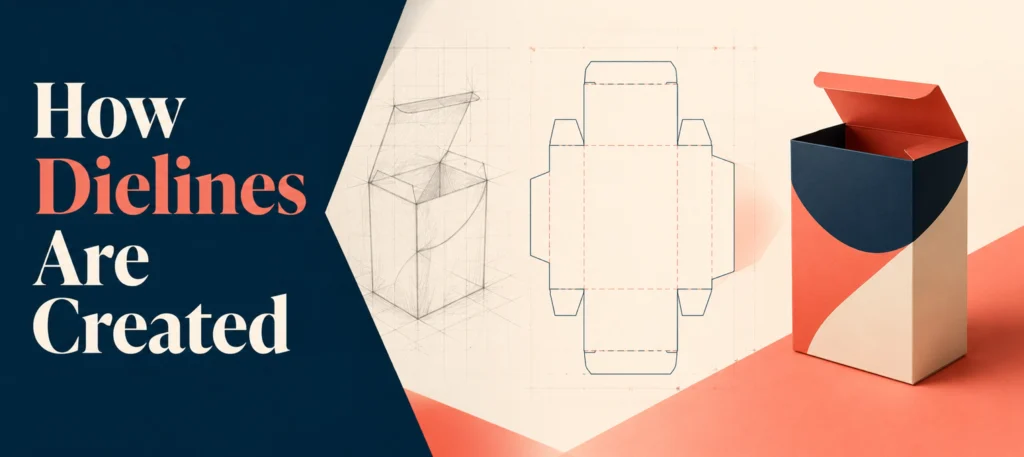
Structural designers usually build dielines in dedicated software such as ArtiosCAD or Esko, which are made for packaging structures and can generate a 3D preview. Adobe Illustrator is excellent for the artwork and graphics but isn’t really built for structural dielines, so files often need converting before die-cutting. Online tools like Pacdora offer template libraries and mockups for standard box styles. The usual sequence is: define the flat size, draw the cut, fold and glue lines, add clearly labelled markers, then export.
Getting your files right (bleed, colour and format)
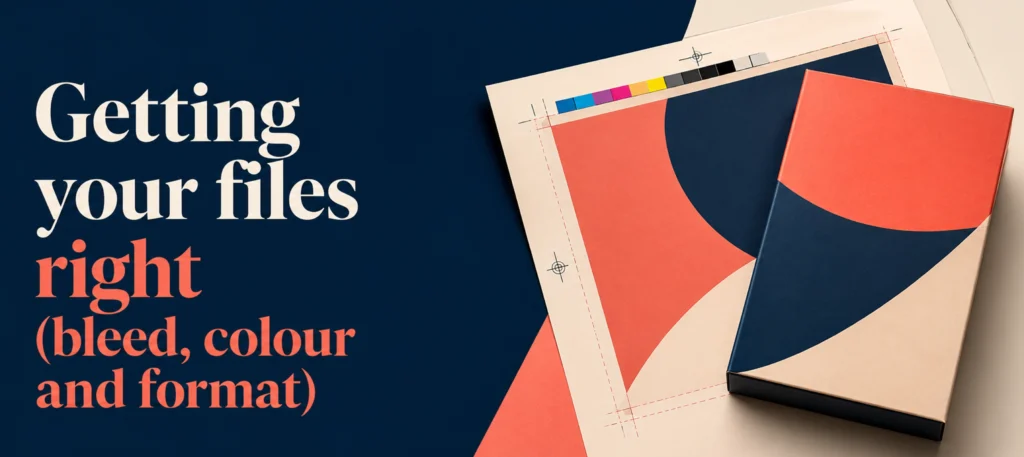
A few rules save most reprints. Work in CMYK, not RGB, so colours print as expected. Keep images at 300 DPI. Extend backgrounds 3mm past the cut line for bleed, and keep critical content 3mm inside it. Outline your fonts so they don’t get substituted. Save the final file as an editable vector, such as AI, EPS or a print-ready PDF, with the dieline on its own clearly named layer.
Do you need to make your own dieline?
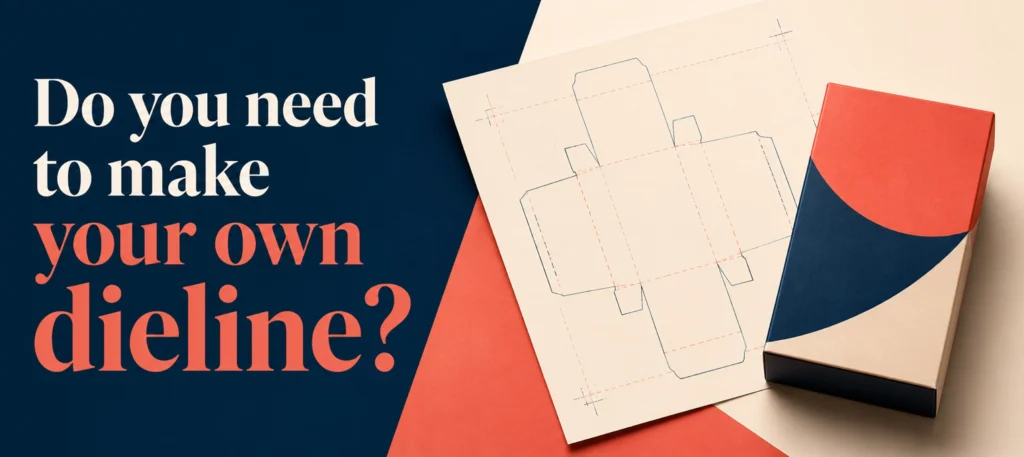
Not really. If you’re working with a manufacturer, they’ll supply a correct dieline for your exact box and product size, which removes the biggest source of error. You just drop your artwork onto it. Making your own only makes sense if you’re inside the packaging trade.
Frequently asked questions

What is the purpose of a dieline?
It’s the structural blueprint that tells the press and cutting machine exactly where to print, cut, crease and glue your custom packaging.
Who creates dielines?
Usually a packaging manufacturer or structural designer, using CAD software. Most printers will provide one for you.
What file format should a dieline be?
An editable vector file such as AI, EPS or a print-ready PDF, set to CMYK.
How much bleed does a dieline need?
3mm is standard for cartons and mailers. Rigid or wrapped boxes usually need 5 to 10mm.
Can I create my own dieline?
You can with the right software, but for accuracy and to match the manufacturer’s machinery it’s best to use the dieline they supply.